
ChromaKeyTool
A toolset for greenscreen/chroma keying in Unity.
Requirements
Win64, Unity 2019.4.1f1+ (might work with older ones, just not tested with)
Usage
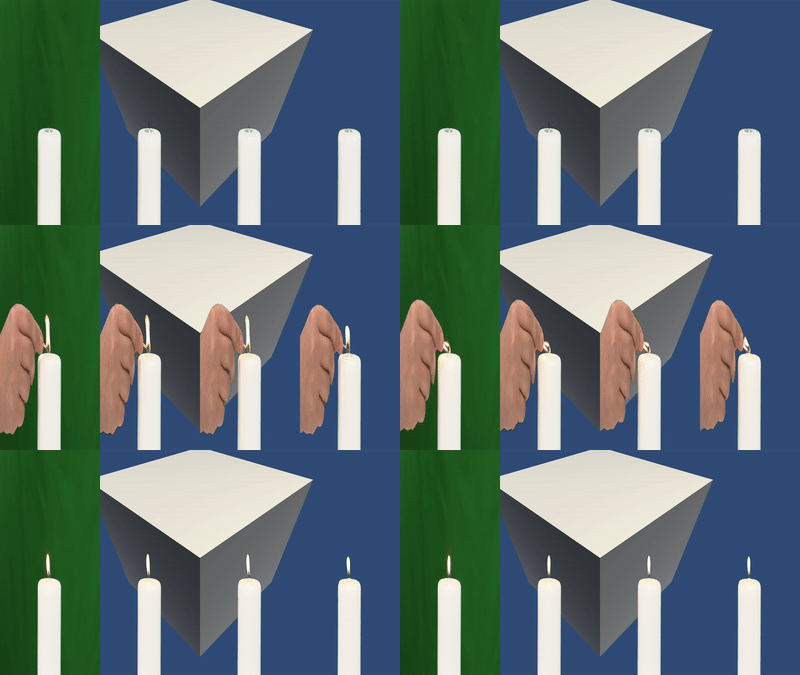
Most of the functionalities are shown in the example scenes: TextureSample and VideoSample.
-
In order to provide a texture to the system, one needs to add a texturesource. There is 2 implementations in the package: “TextureSource” and “RawImageSource”.
-
Create the operation pipeline by adding as many "BlitOperation"s as needed. And link them together.
-
Finally set the “TargetRawImage” of the BlitOperations that needs to be rendered.
-
Press play.
BaseTextureSource.cs and texture sources
Texture sources are, like the name suggests, sources of textures that one wants to operate on.
This package contains two implementations of the sources “TextureSource” and “RawImageSource”.
TextureSource.cs
Provides a texture for further processing, can be a single picture or a rendertexture.
RawImageSource.cs
Provides the texture of a Unity.UI.RawImage for processing. For example if a webcamera player sends its feed to a RawImage, one can use this to capture the image and send it to chroma keying.
BaseTextureSource.cs
One can easily implement his/her own texture sources by extending this base class. Take a look at the code of “TextureSource.cs”:
public class TextureSource : BaseTextureSource
{
    [SerializeField]
    private Texture m_source;
    public override Texture Source => m_source;
}
BlitOperation.cs / operations
All of the processing happens via this/these components.
Source:
Source for this operation: implementation of “BaseTextureSource”, which "TextureSource"s, "RawImageSource"s and "BlitOperation"s actually are.
Target Raw Image:
Provide a UnityEngine.RawImage to this field to render the output of this operation. Note that this field can be left empty if one does not want to output a visible image.
Clear Texture On Update:
Clears the component’s internal RenderTexture on every update. Most likely one would want this to be left “True” in order not to get ghosting.
Operation CHROMA_KEY
Basic chroma keying operation: attempts to mask out the colors in range of “Light Color” and “Dark Color”.
Operation ERODE_ALPHA
Erodes/Shrinks the alpha channel of the texture by “Erode Amount”.
Operation BLUR_ALPHA
Blurs the alpha channel by “Blur Size”.
Acknowledgments
- https://sensing.konicaminolta.us/us/blog/identifying-color-differences-using-l-a-b-or-l-c-h-coordinates/
- Provided test image by: https://pixabay.com/fi/photos/clipper-elokuva-kuva-video-kamera-4223871/
- Provided test video by: https://www.videvo.net/video/candle-on-green-screen/4540/